
Stores
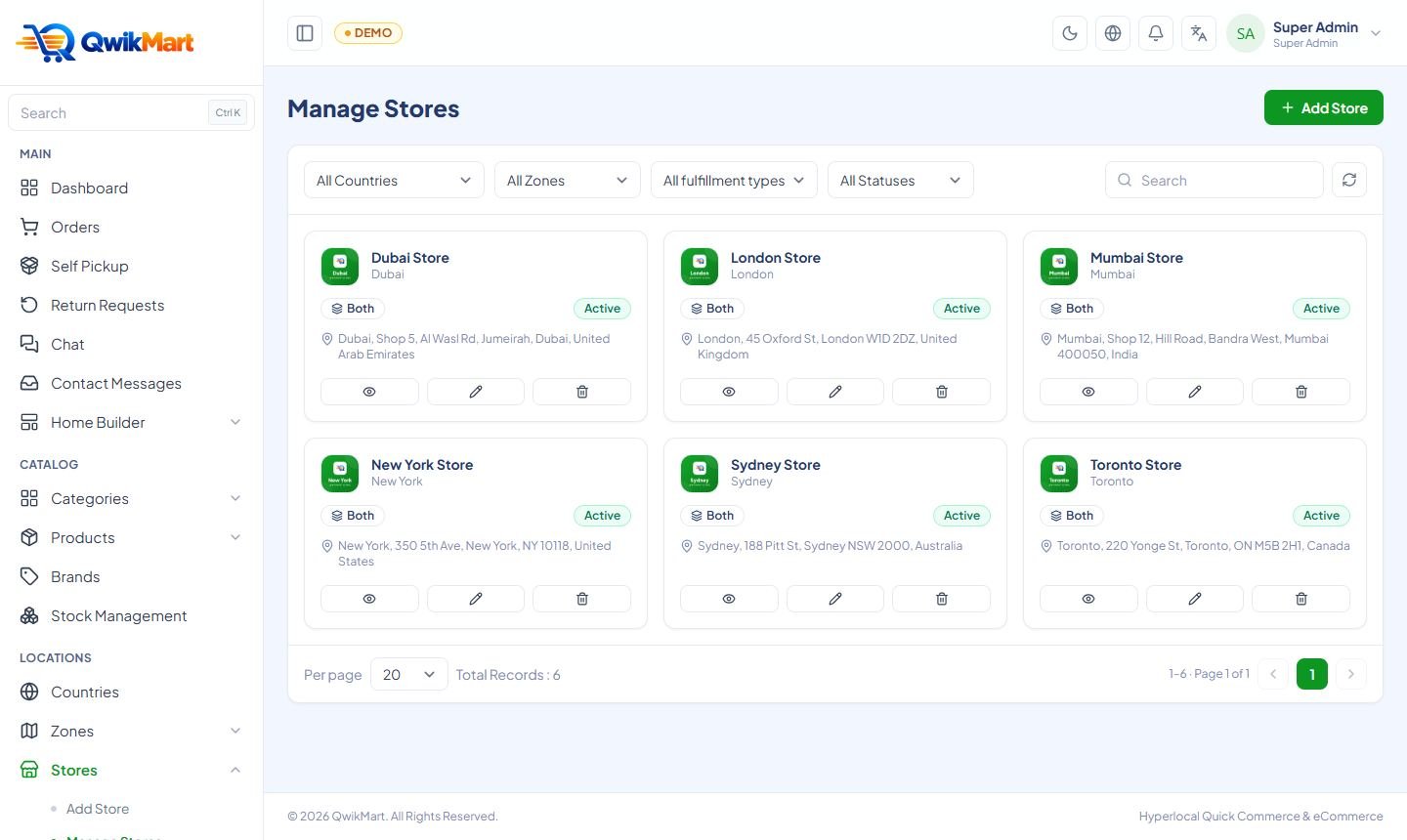
Add the stores or dark stores that fulfil orders, with their location, opening hours, commission and owner login.
A store is the physical location that picks and packs orders — your own dark store or a partner shop. Every quick-commerce order is fulfilled by one store; stock and prices can differ per store.
Add a store
Admin → Stores → Add Store
| Field | Notes |
|---|---|
| Name, e-mail, phone | Shown to riders and on invoices |
| Zone | The delivery zone the store serves |
| Address + map pin | Used to calculate the per-km delivery fee and to guide riders |
| Logo / banner | Optional |
| Opening & closing time | Outside these hours the store is shown as closed |
| Fulfilment type | Quick, eCommerce or both |
| Commission % | Your commission on the store's sales (for partner stores) |
| Owner account | E-mail + password for the Store Panel |
| Status / Open | Close a store temporarily without deleting it |
After saving, open the zone and select this store as its default store.
Stock and price per store
Products are created once in the central catalogue. Each store can then override stock and price for each variant in Stock Management (or the store does it in its own panel). Quick-mode customers always see the price and stock of the store that serves their zone.
Store users and roles
A store owner can add their own staff from the Store panel (Store Users with Store Roles), for example a packer who can only see and update orders. See Store Panel.
Next: Catalogue & Products →