
System Status, Logs & Dummy Data
Check that Firestore, Storage and Auth respond, see record counts and the runtime, read the admin audit log, and remove demo ads before going live.
Three maintenance pages, all in Admin → Settings. System Status also has its own sidebar link under SETTINGS.
System Status
"Health and connectivity checks". Click Re-check to run the checks again (GET /admin/system-status).
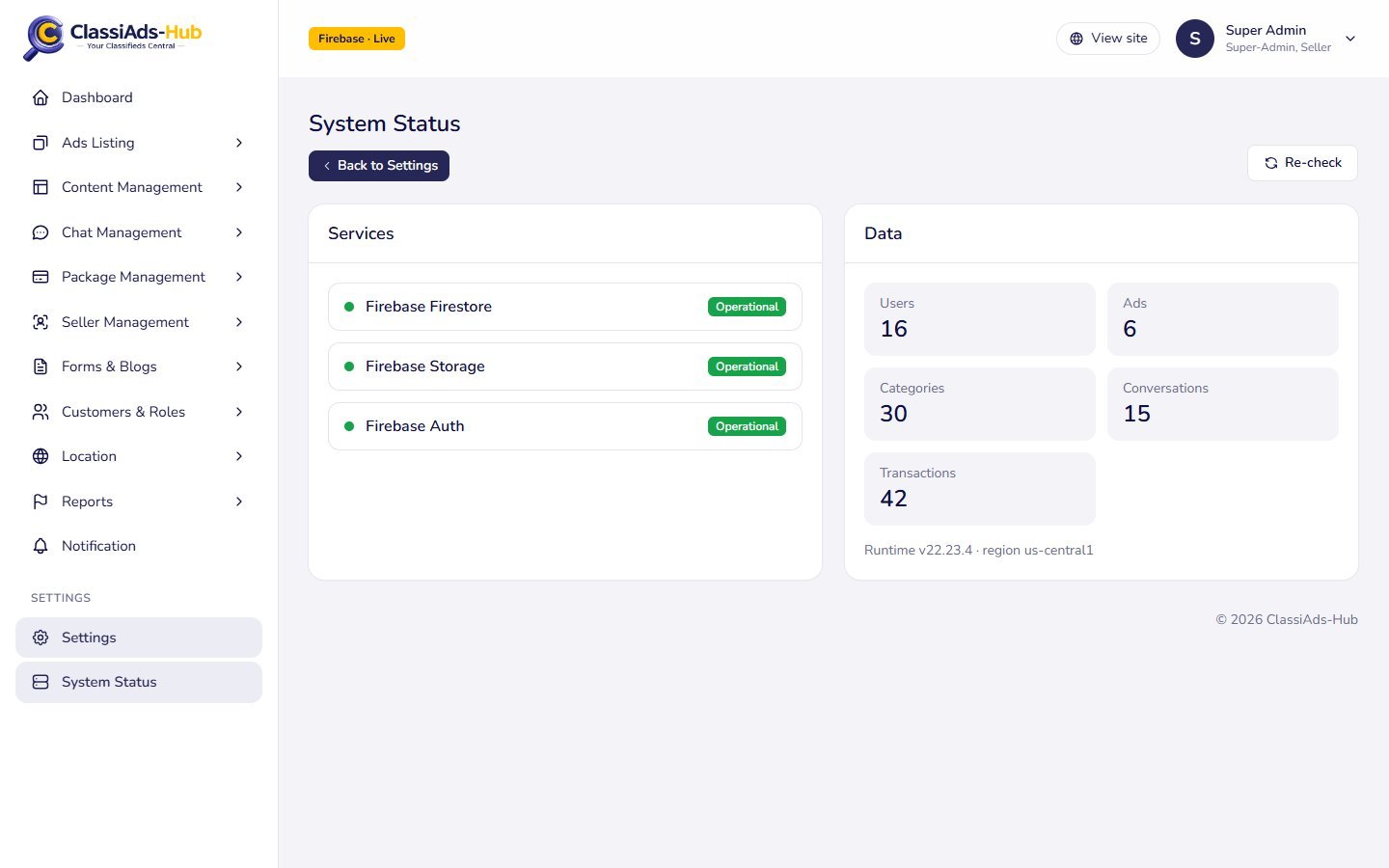
Services
Each check runs from the api Cloud Function against your Firebase project:
| Row | Check | Typical cause of an error |
|---|---|---|
| Firebase Firestore | Reads one document from settings | Firestore not created, or the function's service account lost access |
| Firebase Storage | Reads the bucket metadata | Storage not enabled, or wrong default bucket |
| Firebase Auth | Lists one user | Authentication not enabled |
A green Operational badge means the call succeeded. A red badge shows the error text from Google.
Data
Live counts of the users, ads, categories, conversations and transactions collections, shown as Users, Ads, Categories, Conversations and Transactions.
Below them: "Runtime v22.x · region us-central1": the Node.js version and region of the function.
Log Viewer
"Admin actions recorded by the API". Data: the audit_logs collection, newest first (latest 500, 30 per page). Toolbar: Refresh, Columns, Export CSV (audit-log.csv).
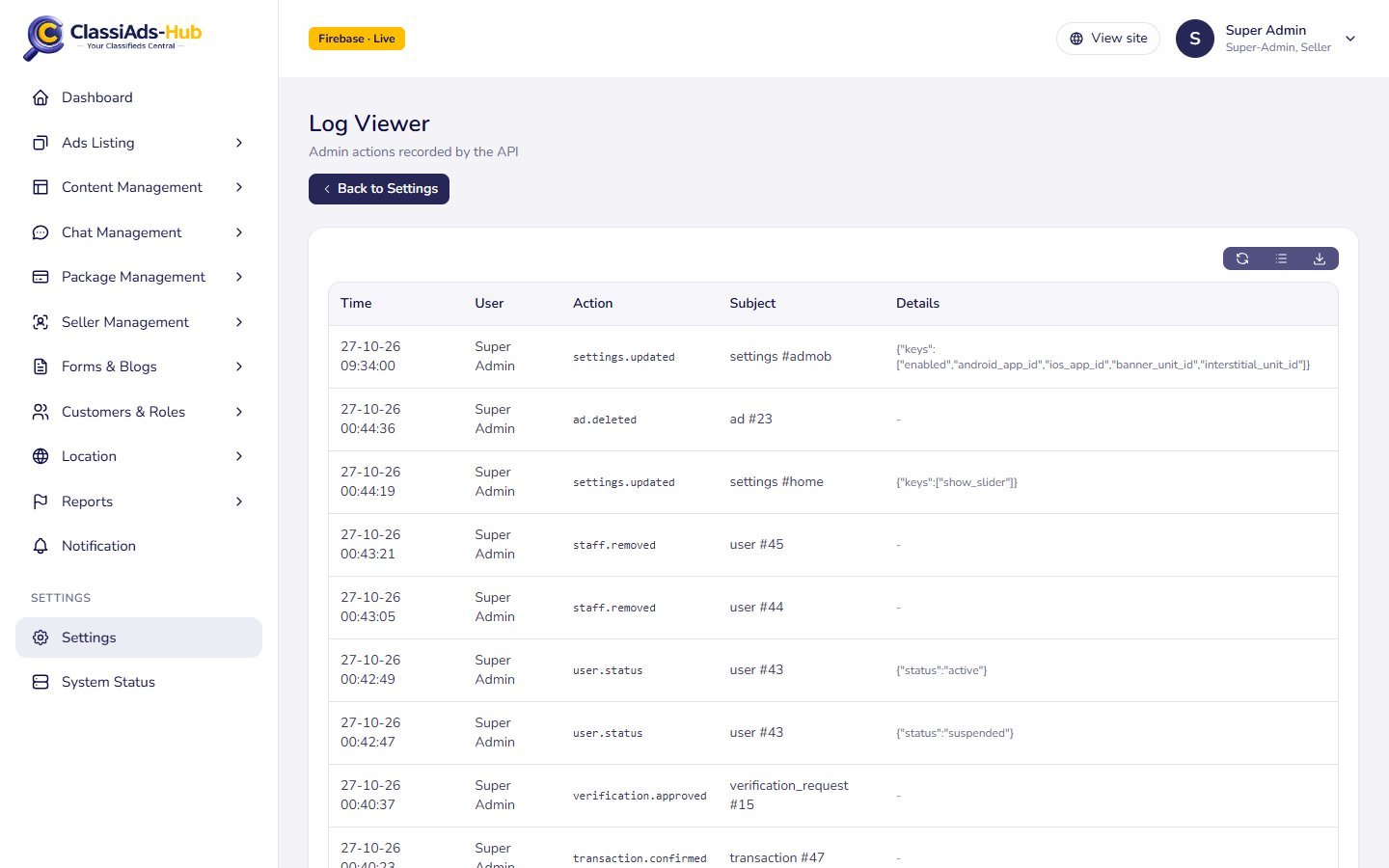
| Column | Shows |
|---|---|
| Time | Date and time |
| User | Admin who did it, or System |
| Action | Action code |
| Subject | type #id, e.g. ad #23, settings #admob |
| Details | Extra data as JSON, e.g. {"status":"suspended"} or the saved setting keys |
Actions that are recorded:
| Action | When |
|---|---|
ad.approved, ad.rejected, ad.sold, ad.expired, ad.inactive, ad.pending … | Ad status changed by an admin (with the rejection reason) |
ad.deleted | Ad removed by an admin |
user.status | Customer suspended / activated / banned |
staff.removed | Staff member removed |
verification.approved, verification.rejected | Seller verification decided |
transaction.confirmed | Bank transfer or pending payment approved |
settings.updated | Any settings page saved (lists the keys, never the values) |
file.deleted | File deleted in the File Manager |
This is an admin audit trail, not the server log. Errors and function output are in Firebase console → Functions → Logs (Google Cloud Logging).
Dummy Data
"Populate or remove demo data". The page has one action.
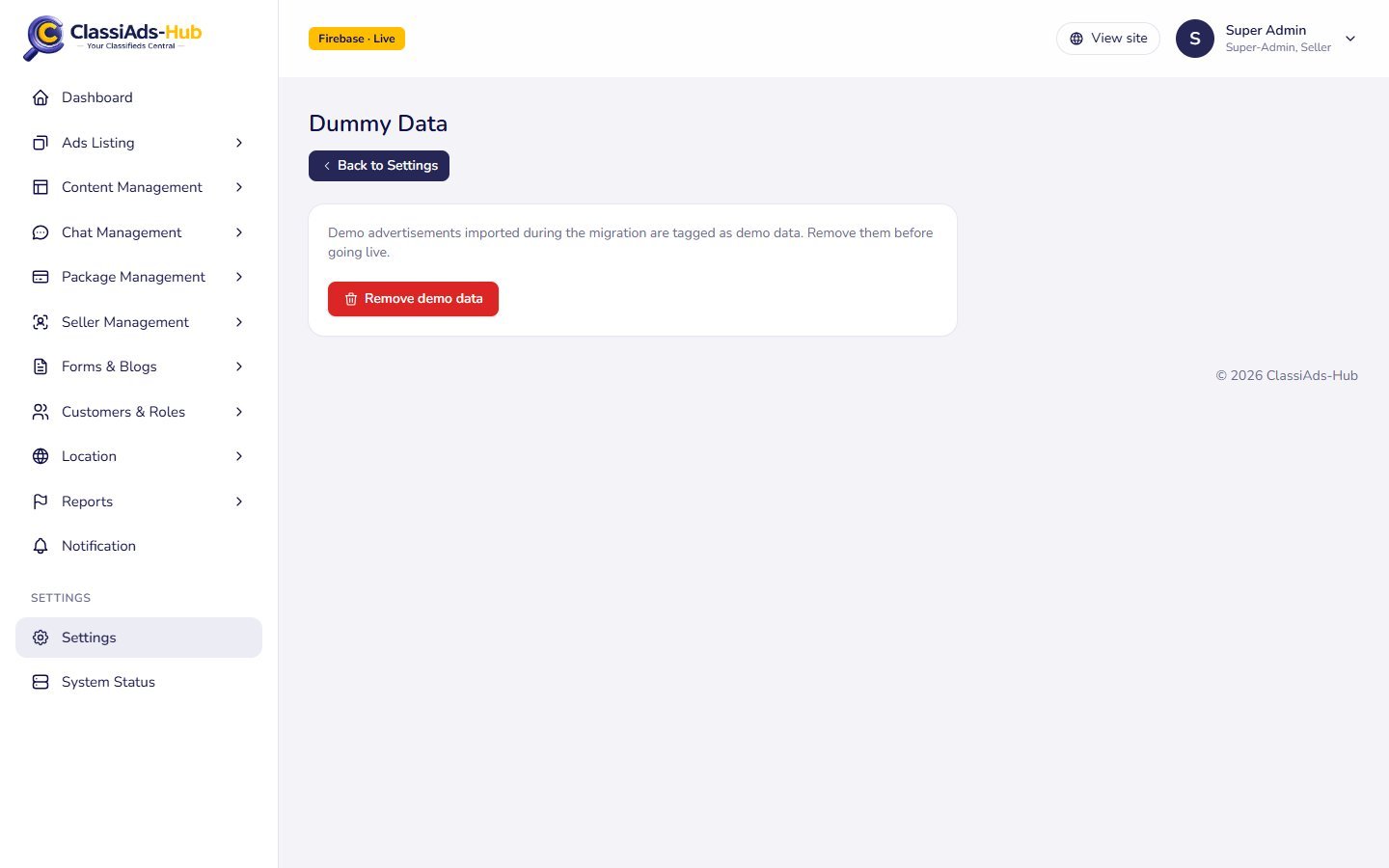
"Demo advertisements imported during the migration are tagged as demo data. Remove them before going live."
Click Remove demo data and confirm "Delete all demo advertisements? This cannot be undone." The API (POST /admin/dummy-data/remove) finds every ad with is_demo: true and deletes it with its photos, exactly like deleting an ad by hand. The toast shows the count: "14 demo ads removed."
- Only admins and super admins can run it; staff get 403 even with the Settings permission.
- Only ads are removed. Demo users, categories, blog posts, packages and other records stay; delete them from their own pages if you do not want them.
- Ads are tagged
is_demobytools/migrate/renew-demo-ads.js, which re-approves imported demo ads for QA. There is no "add demo data" button; to load sample data, use the migration tools (see Data Migration).
Next: Overview →