Earnings, Coupons & Reports
How sellers see their earnings after commission, request withdrawals, create store coupons, follow abandoned carts and read sales reports.
Earnings
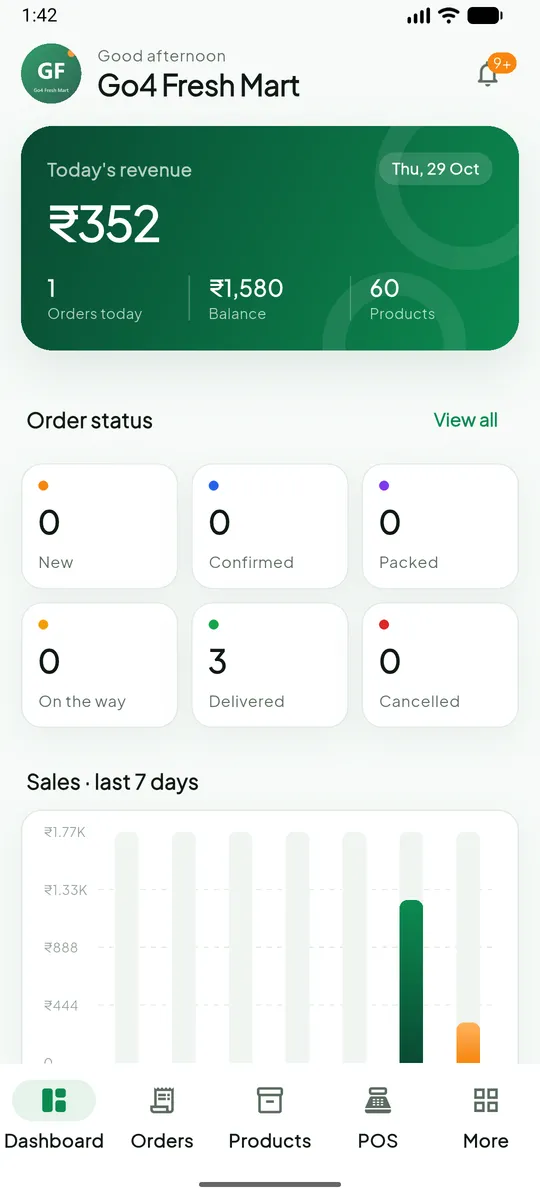
Money → Earnings (/finance/earnings, or More → Earnings in the Partner app) shows:
- the current balance available to withdraw;
- every credit (delivered orders, net of commission and seller coupons) and debit (returns, payouts);
- totals for today, the last 7 days and all time.
The balance is credited automatically when each order is delivered (how settlement works).
Withdrawals
Money → Withdrawals (/finance/withdrawals) → Request withdrawal:
- Enter the amount (minimum ₹100, up to your balance).
- Choose bank, UPI or cash; bank and UPI details are pre-filled from your store settings.
- Submit. The amount is held immediately, and the request shows pending until the admin approves, pays or rejects it. A rejection returns the amount to your balance.
Coupons
Marketing → Coupons (/marketing/coupons, or More → Coupons in the app). Create codes such as SPICE20 with the same options as platform coupons (Coupons). They apply only to your products, and their cost is deducted from your settlement.
Abandoned carts
Marketing → Abandoned carts lists customers who left your products in their cart for more than 6 hours, with the cart value, so you can follow up with an offer.
Reports
| Report | Shows |
|---|---|
Sales (/reports/sales) | Your orders and revenue per day, by status, channel and payment method |
Product sales (/reports/products) | Your best and slowest products |
POS (/reports/pos) | Your counter sales |