
Splash Screen
Change the native launch screen (including Android 12+) with flutter_native_splash, and the animated in-app splash and onboarding.
The Customer app has two splash stages:
- Native splash: shown by Android while Flutter starts. It is generated by
flutter_native_splash. - In-app splash:
lib/screens/splash_screen.dart, the branded screen that initialises Firebase, loads settings and decides whether to show onboarding, sign-in or home.
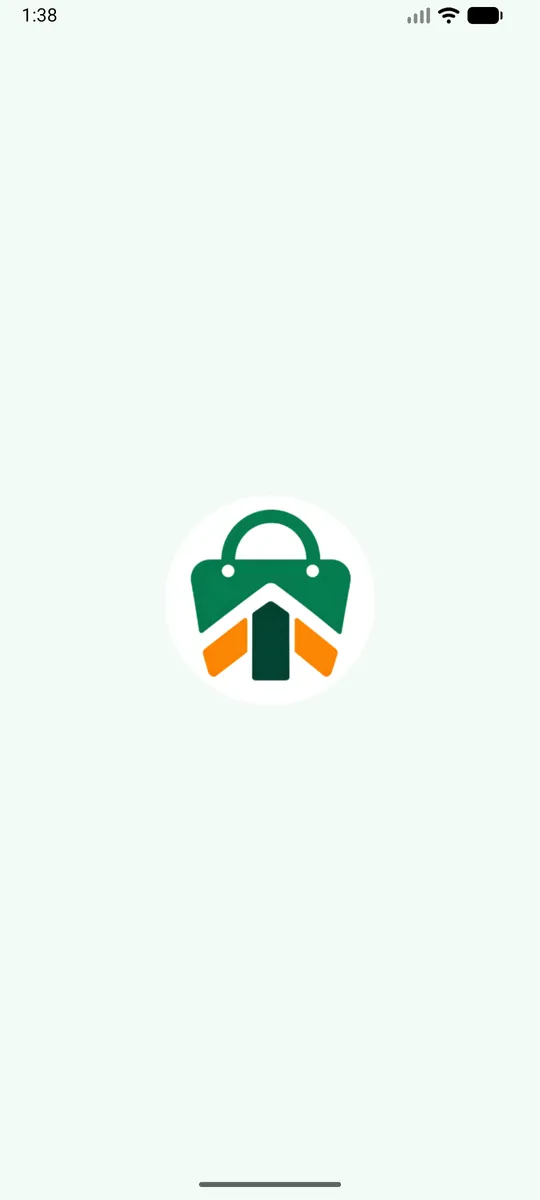
Native splash
apps/customer_app/pubspec.yaml
flutter_native_splash:
  color: "#F3FBF6"
  image: assets/brand/logo.png
  color_dark: "#0B1410"
  image_dark: assets/brand/logo.png
  android_12:
    image: assets/brand/splash_android12.png
    color: "#F3FBF6"
    icon_background_color: "#FFFFFF"
    image_dark: assets/brand/splash_android12.png
    color_dark: "#0B1410"
    icon_background_color_dark: "#FFFFFF"
  android: true
  ios: true
  fullscreen: false
Change the colours and images, then regenerate:
Terminal
cd apps/customer_app
dart run flutter_native_splash:createIn-app splash and onboarding
lib/screens/splash_screen.dart: logo, background doodle (lib/widgets/doodle.dart) and timing.lib/screens/onboarding_screen.dart: the intro slides shown on first launch. Edit the titles and texts inlib/l10n/app_en.arbandapp_hi.arb, or replace the illustrations in the screen file.
Next: Theme Colours & Font →
Something unclear or out of date? Tell us. contact@infidec.com