
Demo Instructions
Explore Go4Foodie on the hosted demo before you install it. The demo covers the admin panel, the customer website and the mobile app.
Use the demo to judge whether Go4Foodie fits your restaurant, or to check how a feature should behave. It is a complete installation on Firebase with sample data.
Demo links
| Part | Address | How to sign in |
|---|---|---|
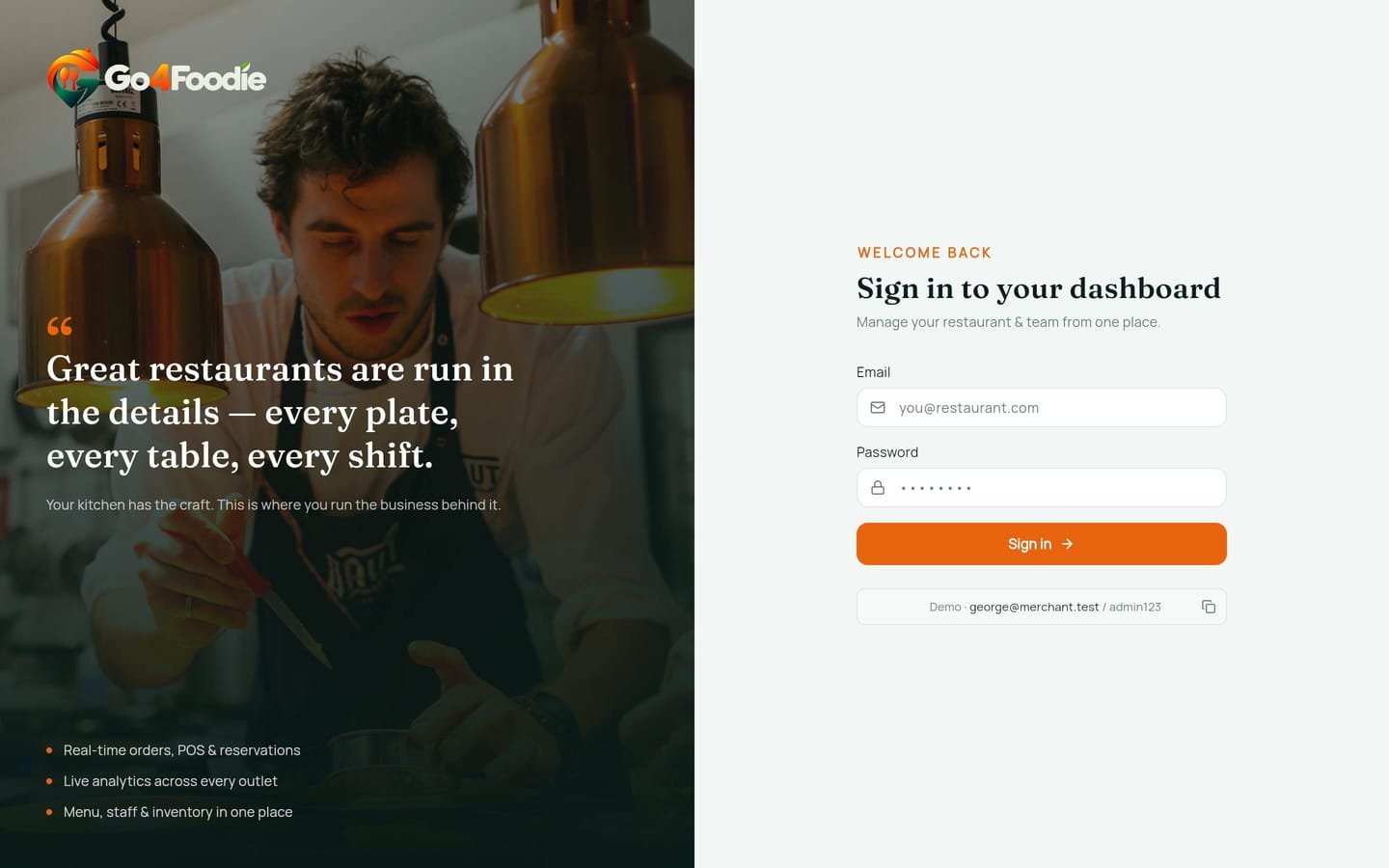
| Admin Panel | go4foodies-admin.web.app (opens in a new tab) | The demo login is shown under the sign-in form. Click the copy button to fill it in |
| Customer Website | go4foodies-web--go4foodies.asia-southeast1.hosted.app (opens in a new tab) | No login needed. Order, book a table or buy a gift card as a guest |
| Mobile App (Customer / Restaurant / Owner) | Demo builds on request | Write to contact@infidec.com (opens in a new tab) |
Suggested tour
If you have fifteen minutes:
- Overview (dashboard): KPIs, outlet cost vs revenue, top categories, employee status, recent orders, trending item and POS activity. Switch to dark mode from the top bar.
- Floor: the live floor plan. Open a table, set its state, and watch it update without reloading.
- POS: add items, print a KOT, void an item, add a discount, tip or service charge, take a split payment, then Close & Pay.
- On the website, place a take-away order. Then open Orders and move it through the stepper.
- On the website, open the Menu, then a table link (
/order?table=<code>, from Tables → QR code). Place a dine-in order and see the table's session open on the floor. - Reservations: book a table on the website, then confirm and complete it in the panel.
- Table Analytics and Reports: busy hours, table rankings, revenue by outlet, CSV / Excel / PDF exports.
- Audit Log: every floor and POS action you just took, with who did it and when.
What the demo will and will not do
- E-mails are only sent when the demo's SMTP account is set up. Don't rely on getting one.
- Admin users can't be created from the panel, on the demo or on your own installation. See Admin Users.
- The demo shows its login on the sign-in screen. On your own installation, remove that hint before going live (see Admin Panel Installation).
Run your own copy
Go4Foodie needs a Firebase project to run. There is no offline sample mode. To try it on your own computer, create a separate development Firebase project, then follow Localhost Setup.
Questions
Something unclear or out of date? Tell us. contact@infidec.com